How to Plan Smart Lighting on a Budget: The Definitive Systems Guide
How to plan smart lighting on a budget the transition from traditional electrical switching to integrated digital lighting often suffers from a fundamental misunderstanding of value. Most consumers approach smart home technology as a series of disparate gadget purchases—a bulb here, a plug there—rather than a cohesive infrastructure project. When one seeks to understand how to plan smart lighting on a budget, the challenge is not merely finding the lowest price point for hardware, but rather designing a system that minimizes technical debt and maximizes utility per dollar spent.
Budgetary constraints in smart lighting are often self-imposed through poor protocol selection or over-specifying hardware for low-utility areas. A truly smart system is defined by its autonomy and reliability, not by the number of colors a bulb can produce. To build a robust system without the premium price tag of high-end professional installations, one must prioritize the backbone of the network—the protocols and the control interfaces—over the aesthetic flair of individual fixtures.
This guide dissects the layers of smart lighting, from the physical physics of wireless interference to the logic of automated routines. It moves beyond the typical “best of” lists to examine the underlying principles of smart home networking. By focusing on interoperability and long-term scalability, a homeowner can deploy a sophisticated lighting environment that rivals five-figure custom installs for a fraction of the cost, provided they are willing to trade convenience in the setup phase for precision in the planning phase.
Understanding “how to plan smart lighting on a budget”
To effectively execute a strategy for smart lighting, one must first redefine “budget.” In this context, it is not synonymous with “cheap.” Cheap components often rely on congested 2.4GHz Wi-Fi bands, lack local control, and depend on cloud servers that may be decommissioned without notice. Planning on a budget means optimizing the Total Cost of Ownership (TCO). This involves selecting hardware that will remain functional for a decade and software that doesn’t lock the user into a single manufacturer’s ecosystem.
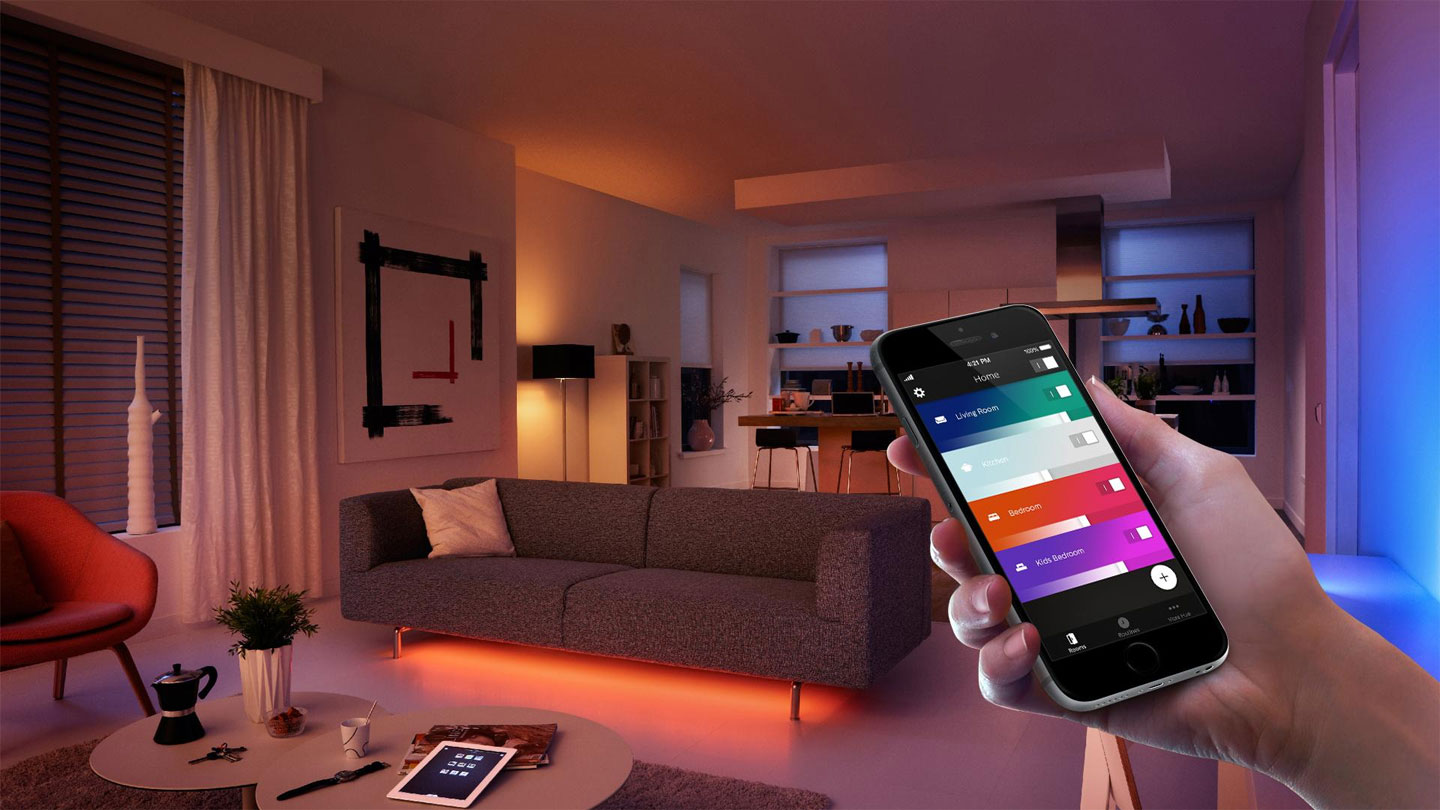
Common misunderstandings of budget planning often lead to “app fatigue,” where a user must navigate five different interfaces to turn off the lights in a single room. A well-planned budget system focuses on protocol consolidation. By selecting a primary communication standard—such as Zigbee, Z-Wave, or the emerging Matter over Thread—the planner ensures that devices can talk to each other locally. This local communication is the bedrock of a “smart” home; if the internet goes down and your lights stop working, the system has failed its primary objective of being a utility.
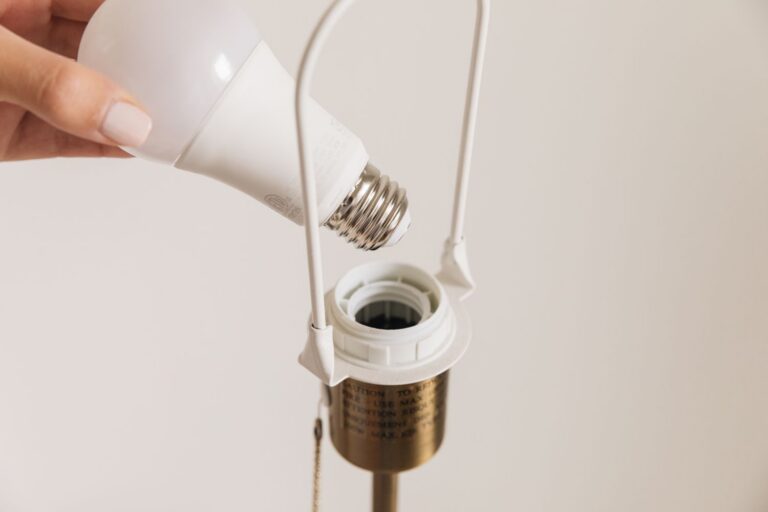
Oversimplification is another risk. Many believe that simply replacing every bulb with a smart bulb is the most cost-effective path. In reality, smart switches are frequently the superior budget choice. A single smart switch can control ten “dumb” LED recessed lights, whereas replacing those ten bulbs individually is not only more expensive but also creates a point of failure where a guest flipping a manual switch kills the power to the smart radio in the bulb.
The Deep Contextual Background of Smart Lighting
How to plan smart lighting on a budget the history of lighting control is a move from the mechanical to the logical. For over a century, the wall switch was a simple physical interrupter of a circuit. The first wave of “smart” lighting arrived via X10 powerline signaling in the 1970s, which was notoriously prone to electrical noise. The modern era began with the proliferation of low-power radio frequency (RF) chips and the ubiquity of the smartphone.
However, the “budget” segment of the market was initially flooded with proprietary Wi-Fi devices. These were easy to market because they required no hub, but they fundamentally burdened home routers. As the density of connected devices in the average home increased from five to fifty, these budget Wi-Fi systems began to fail. We are currently in a corrective phase where professional-grade protocols like Zigbee and Thread are becoming accessible to the budget-conscious DIYer, allowing for a more resilient, mesh-based architecture that doesn’t rely on the router for every single command.
Conceptual Frameworks and Mental Models How To Plan Smart Lighting On a Budget
When determining how to plan smart lighting on a budget, use these frameworks to guide your purchasing:
-
The Layered Control Model: Prioritize “Physical First” control. Your smart lighting should always be controllable via a physical interface (switch or remote) that mimics traditional behavior. Voice and automation should be layers of convenience added on top, not the primary means of interaction.
-
The Hub-and-Spoke Efficiency Ratio: Calculate the cost of the hub (the brain) against the number of endpoints (bulbs/switches). A $60 Zigbee hub might seem like an unnecessary expense compared to a “hubless” Wi-Fi bulb, but if it allows you to buy $8 Zigbee bulbs instead of $20 Wi-Fi bulbs, the hub pays for itself by the fifth light.
-
The Utility-to-Complexity Matrix: Assign a value to each room. The kitchen and hallway benefit most from motion-based automation (high utility), while a guest bedroom might only need a simple smart bulb (low complexity). Allocate the bulk of the budget to high-traffic areas where automation saves the most energy or provides the most tangible convenience.
Key Categories and Technical Trade-offs
Choosing the right hardware category is the most significant fork in the road for any budget plan.
| Category | Primary Benefit | Primary Drawback | Best Budget Use Case |
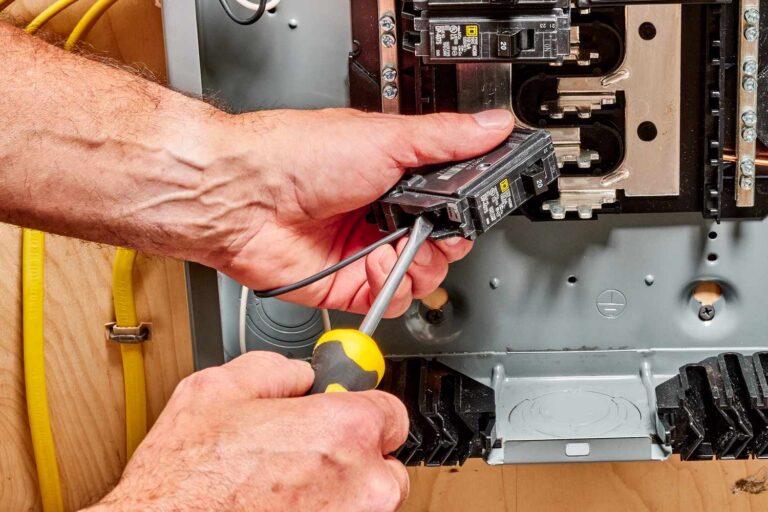
| Smart Switches | Controls existing “dumb” bulbs; maintains physical habit. | Requires neutral wire (usually); harder installation. | High-density lighting (e.g., 6+ pot lights). |
| Smart Bulbs (Zigbee) | Easy install; color/temperature control. | Power must stay ‘on’ at the switch; can be expensive en masse. | Lamps and accent lighting. |
| Smart Plugs | Cheapest entry point; makes any lamp smart. | Bulky; no dimming (usually). | Floor lamps and seasonal lighting. |
| Motion/Lux Sensors | Enables true automation; saves energy. | Requires careful placement to avoid false triggers. | Bathrooms, hallways, and closets. |
| Smart Dimmers | Professional feel; adjusts ambiance. | Incompatibility with some cheap LED bulbs (flickering). | Dining rooms and home theaters. |
Decision Logic: Switch vs. Bulb
The fundamental choice when learning how to plan smart lighting on a budget is deciding between the switch and the bulb. Use this logic:
-
If the fixture has multiple bulbs (chandelier, track lighting): Use a Smart Switch.
-
If you want color-changing capabilities (RGB): Use a Smart Bulb.
-
If you are a renter and cannot change wiring: Use a Smart Bulb or Smart Plug with a battery-powered remote.
-
If the goal is energy savings in a utility space: Use a Dumb Bulb with a Smart Motion Sensor/Switch.
Detailed Real-World Scenarios How To Plan Smart Lighting On a Budget
Scenario 1: The Multi-Purpose Living Room
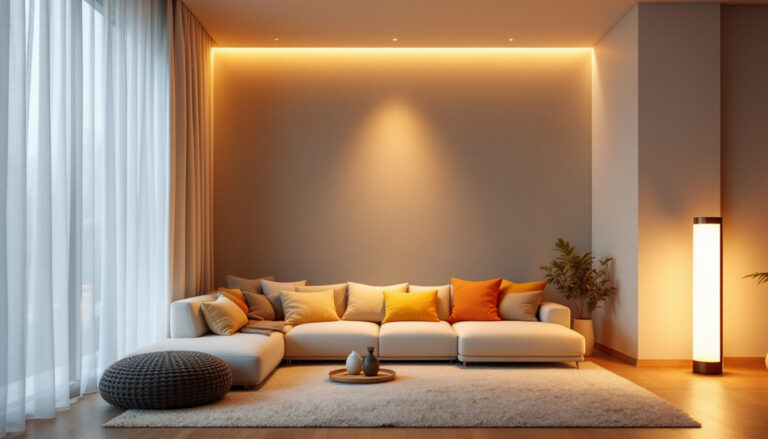
A living room requires different “scenes” for movies, reading, and entertaining. A budget approach avoids expensive high-end brands. Instead, use a single Zigbee-compatible wall dimmer for the main ceiling lights and three budget smart plugs for floor lamps. By grouping these in a local hub, one “Movie Night” command dims the overheads to 10% and turns off the lamps simultaneously.
-
Failure Mode: Using Wi-Fi bulbs that lose synchronization, causing one lamp to stay on while others turn off.
Scenario 2: The High-Traffic Hallway
The goal here is hands-free navigation at night. A budget plan uses a single Zigbee motion sensor and a smart switch.
-
Constraint: The sensor must be placed to avoid triggering when someone simply walks past the hallway entrance.
-
Second-Order Effect: Reduced wear on physical switch internal components and significant energy savings from lights never being “accidentally” left on overnight.
Scenario 3: The Rental Apartment
Renters cannot rewire. The strategy shifts to “Removable Intelligence.” Use smart bulbs in existing fixtures and “switch covers” that magnetically snap over the existing light switch to hold a smart remote.
-
Decision Point: Opting for a bridge (like a Philiips Hue or IKEA Dirigera) ensures that even if the Wi-Fi is spotty, the remotes still talk to the bulbs.
Planning, Cost, and Resource Dynamics How To Plan Smart Lighting On a Budget
Budgeting for smart lighting requires an honest assessment of both the “sticker price” and the “time price” of configuration.
Estimated Cost Ranges (Per Room)
-
Entry Level (Wi-Fi based, 2-3 devices): $30 – $60. High risk of long-term instability.
-
Mid-Range (Zigbee/Thread hub + 5-7 devices): $120 – $250. Best balance of reliability and cost.
-
High-End DIY (Comprehensive sensor/switch integration): $400+. Requires significant time for logic programming.
Indirect Costs and Opportunity Costs
-
Latency: Cheap cloud-based bulbs often have a 1-2 second delay. While it seems minor, this “lag” destroys the user experience over time.
-
Privacy: Many ultra-budget Wi-Fi devices require accounts on foreign servers. The “cost” here is your data and potential network vulnerabilities.
-
Battery Maintenance: Budget sensors often use coin-cell batteries. A system with 20 sensors might require a battery change every 12 months, adding a recurring cost and maintenance burden.
Tools, Strategies, and Support Systems
To maximize a budget, one must utilize open-source or highly compatible management platforms.
-
Home Assistant: The “gold standard” for budget enthusiasts. It is free software that runs on old hardware (like a Raspberry Pi or an old laptop) and can bridge devices from different brands so they work together seamlessly.
-
Zigbee2MQTT: A tool that allows you to use almost any Zigbee device with a cheap universal USB coordinator, bypassing the need for expensive proprietary hubs.
-
Adaptive Lighting (Software): A plugin that automatically adjusts the brightness and color temperature of your bulbs throughout the day to match natural sunlight, providing a “premium” circadian feature for free.
-
Local Execution: Always check if a device is “Local Push.” This means the device tells your hub it’s on immediately, rather than the hub having to “poll” or ask the device every few seconds.
-
Multi-Packs: Hardware is almost always 20-30% cheaper when bought in 4-packs or 6-packs. Plan your whole house at once, even if you install room-by-room, to take advantage of bulk pricing.
Risk Landscape and Failure Modes How To Plan Smart Lighting On a Budget
A budget system is more susceptible to “cascading failures” if not planned correctly.
-
The “Zombie” Light: If a cloud-based company goes bankrupt, your smart bulb becomes a “dumb” bulb that can no longer be controlled by anything other than the physical power switch.
-
2.4GHz Saturation: Most budget devices use the same frequency as your microwave and older Wi-Fi. In a dense apartment complex, a budget Wi-Fi system may simply stop responding during peak hours.
-
The “Wife/Partner Acceptance Factor” (WAF): If the system is too complex or fails once a week, it creates friction in the household. A budget system must be “invisible”—it should work so well that no one notices it’s there.
Governance, Maintenance, and Long-Term Adaptation
A smart lighting system is a living entity. It requires a governance structure to remain functional.
Quarterly Maintenance Checklist:
-
Firmware Updates: Check for security patches, but “stagger” them. Never update every device at once in case a bug is introduced.
-
Battery Monitoring: Check levels in your hub’s dashboard to preemptively replace low batteries in motion sensors.
-
Automation Audit: Delete routines that are no longer used. If you find yourself manually overriding an automation daily, the logic is flawed and needs adjustment.
-
Physical Cleaning: Dust on lux (light) sensors can cause them to report lower light levels than reality, triggering lights to turn on too early in the evening.
Measurement, Tracking, and Evaluation How To Plan Smart Lighting On a Budget
How do you know your budget plan worked? Look for these signals:
-
Quantitative: Compare your electricity bill (lighting portion) year-over-year. A successful smart plan should show a 10-15% reduction if motion sensors and dimming are used correctly.
-
Qualitative: Count the number of times you had to use a phone app to turn on a light in a week. If that number is higher than zero, your physical control strategy or automation logic needs work.
-
Uptime Tracking: Using tools like Uptime Kuma to see how often your smart devices “drop” from the network. A healthy budget system should maintain 99.9% connectivity.
Common Misconceptions and Oversimplifications
-
Myth: “Smart lighting saves money instantly.” * Correction: The hardware cost often takes 2-5 years to “pay back” in energy savings. The real value is in convenience and home security.
-
Myth: “I need high-speed internet for smart lights.” * Correction: Smart lights use almost zero bandwidth. Reliability is about signal strength and interference, not speed.
-
Myth: “Bluetooth is a good budget option.” * Correction: Bluetooth has a very limited range and is generally frustrating for whole-home setups. It’s a “starter” technology that most people quickly outgrow.
-
Myth: “Proprietary systems are safer.” * Correction: Open-source systems like Home Assistant are often more secure because they don’t require an active connection to the public internet to function.
Synthesis and Adaptive Judgment
Successful implementation of a smart lighting strategy requires a shift from consumerism to systems thinking. How to plan smart lighting on a budget is ultimately a question of logistics. It is about understanding that the most expensive system is the one you have to replace in two years because it wasn’t interoperable.
By investing in a solid foundation—a local hub, a reliable protocol like Zigbee or Thread, and a “physical-first” control philosophy—you create a system that is both economically efficient and technically resilient. The goal is a home that anticipates your needs without demanding your attention. In the world of smart technology, silence and invisibility are the ultimate markers of a premium experience, regardless of the price tag.